Process
01 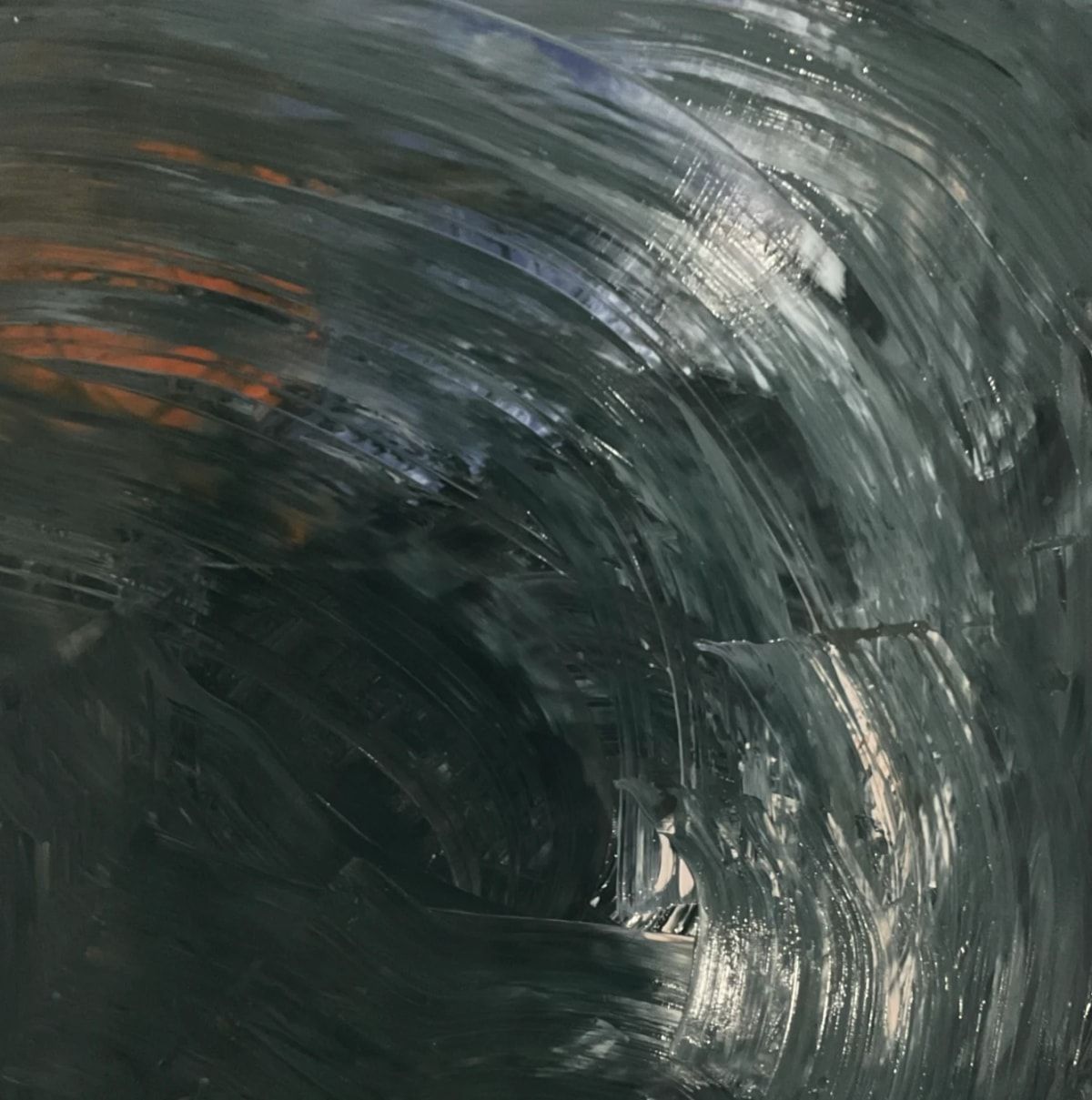
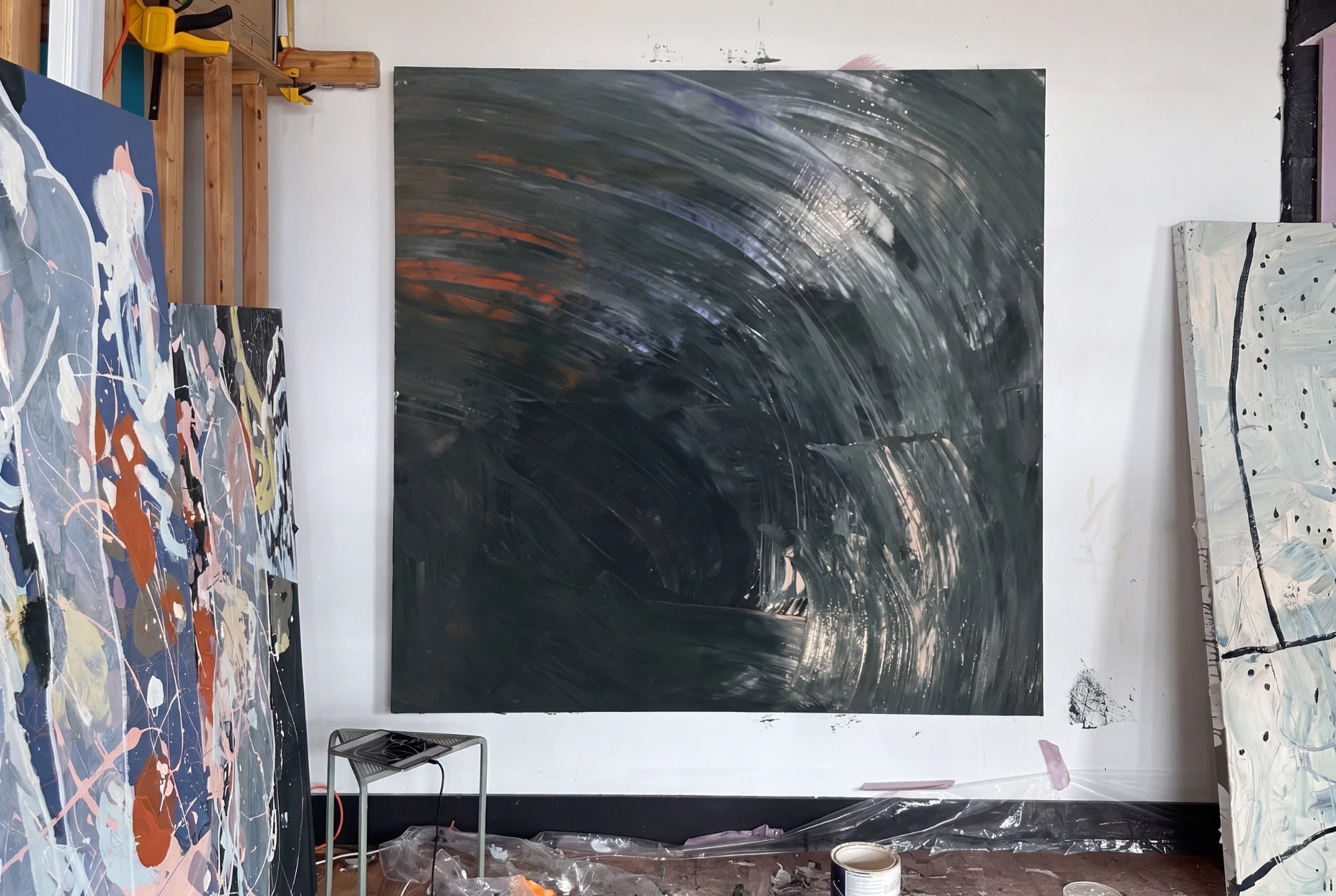
Got some paint down.
02 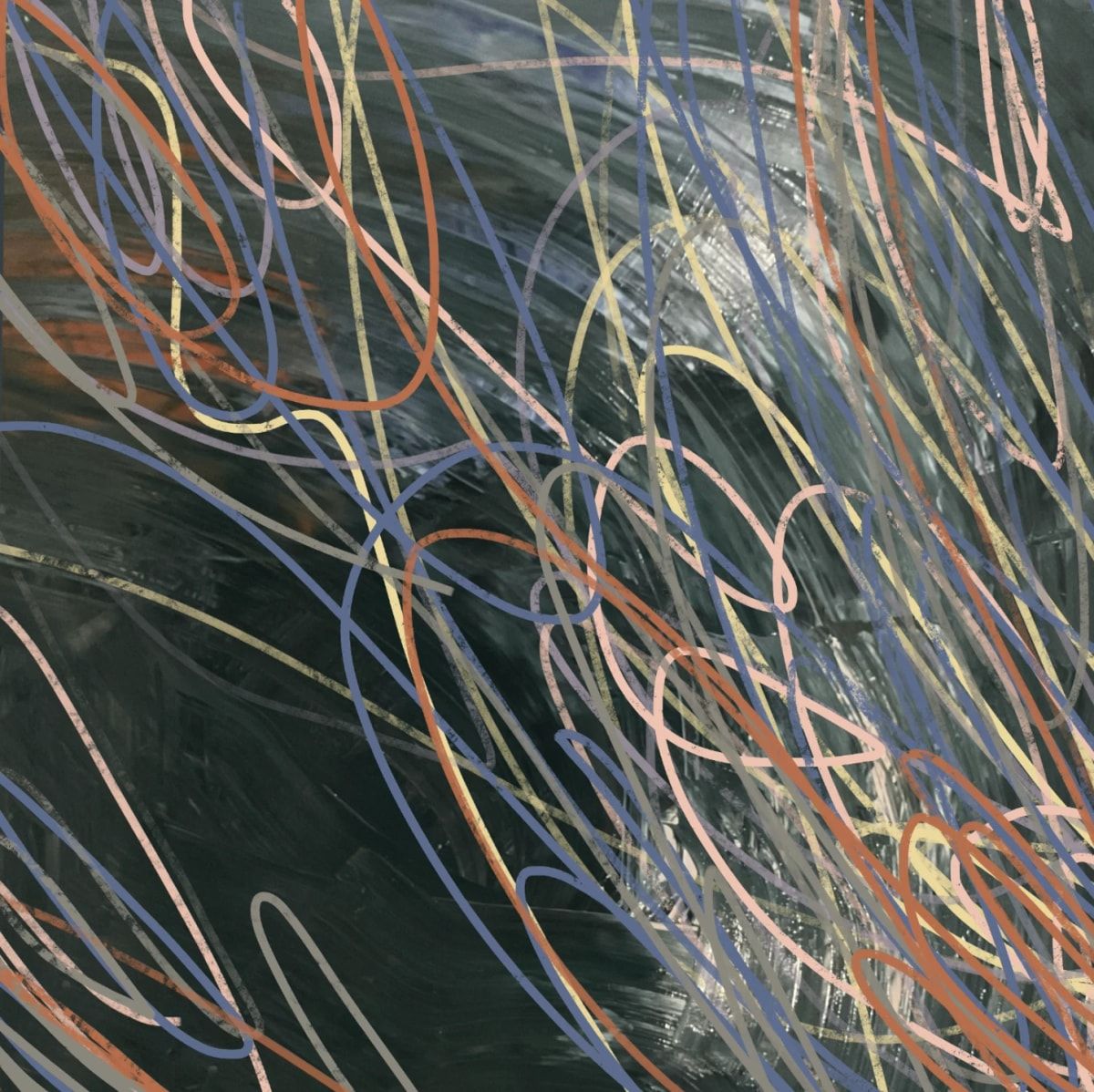
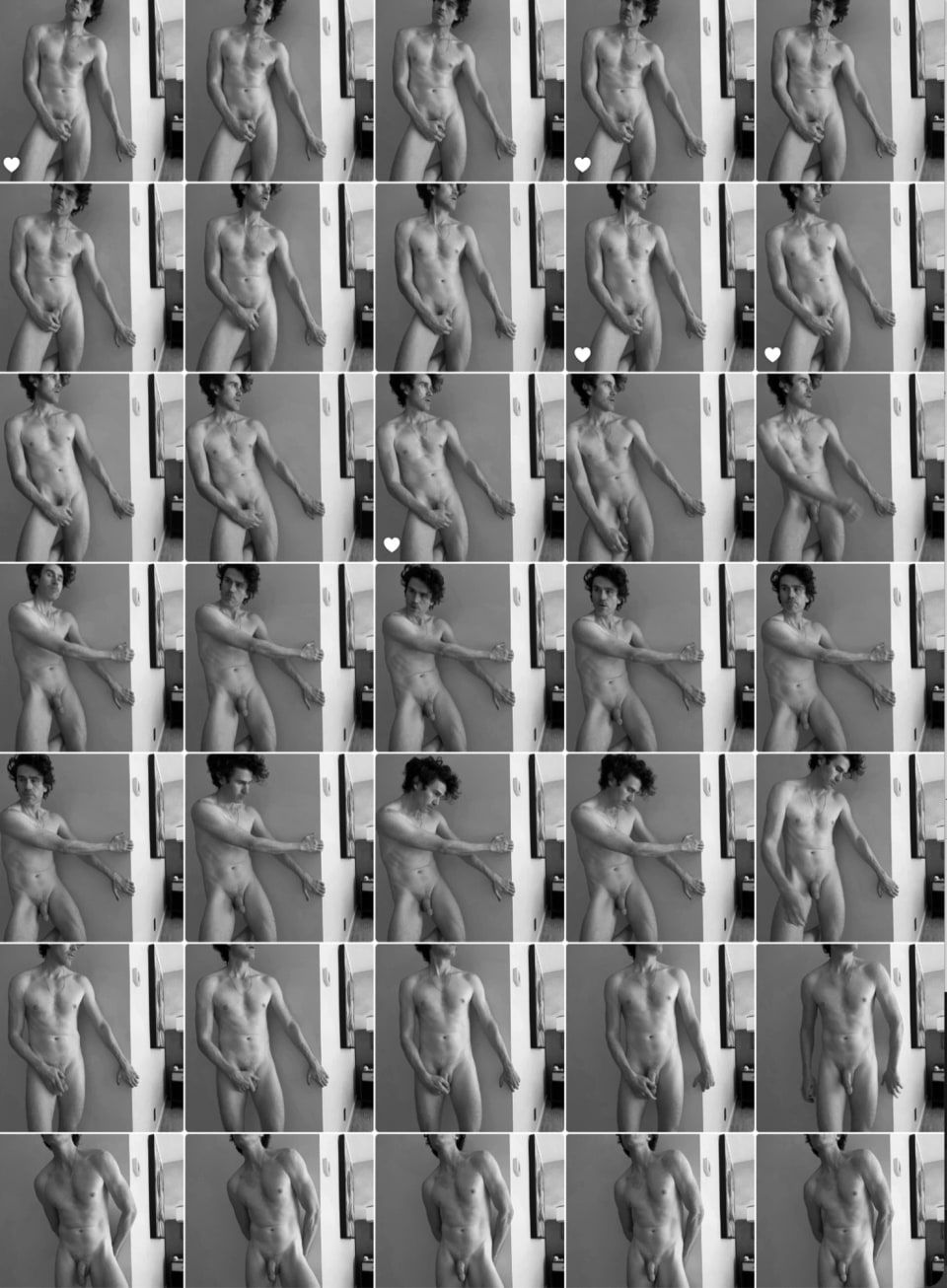
Took a photo with the iPad. Tried lots of sketches. The square aspect ratio is hard!
03 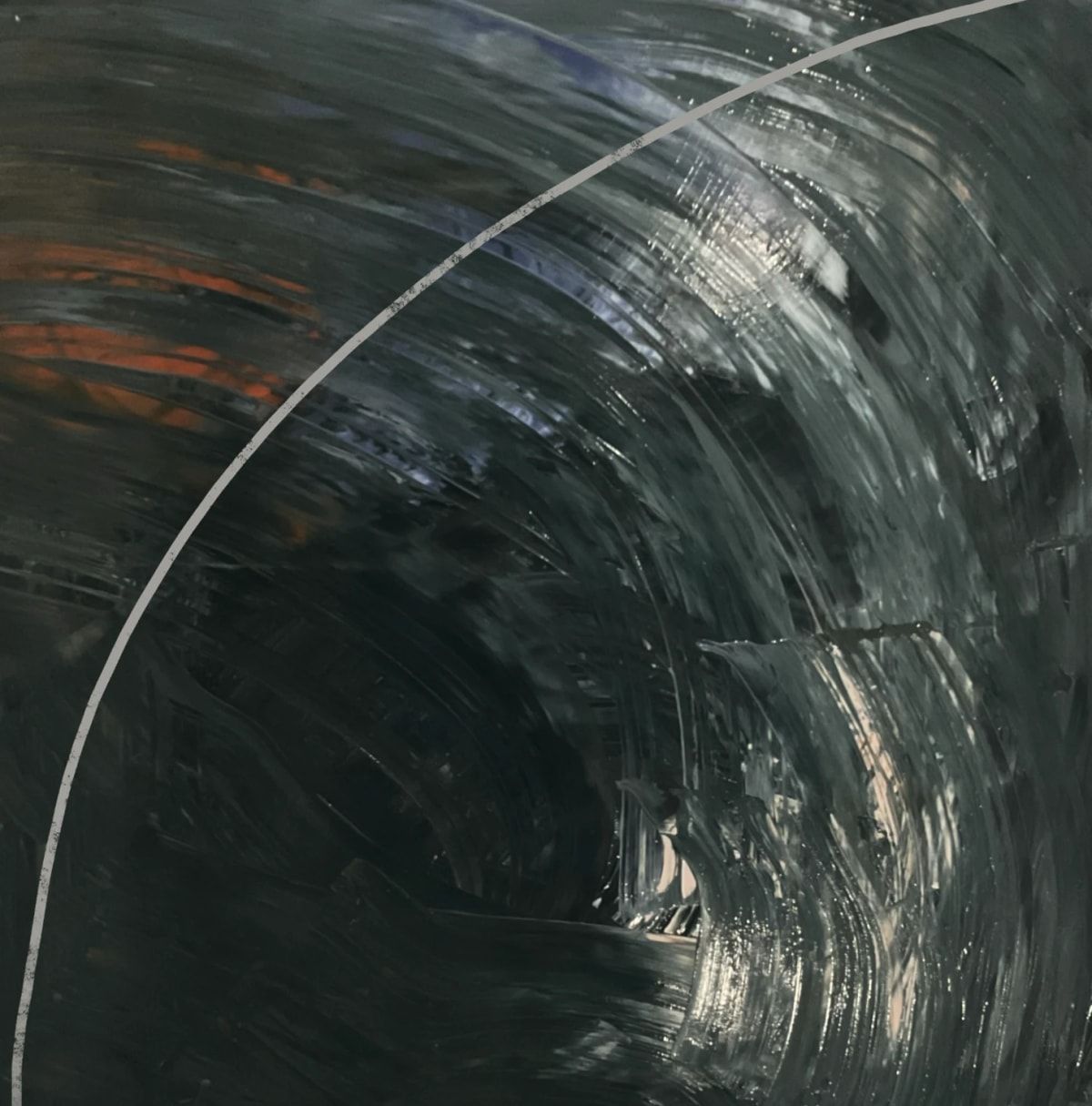
I looked up the golden ratio and sketched in the curve found in the square parts of the golden ratio doohickey.
04 05 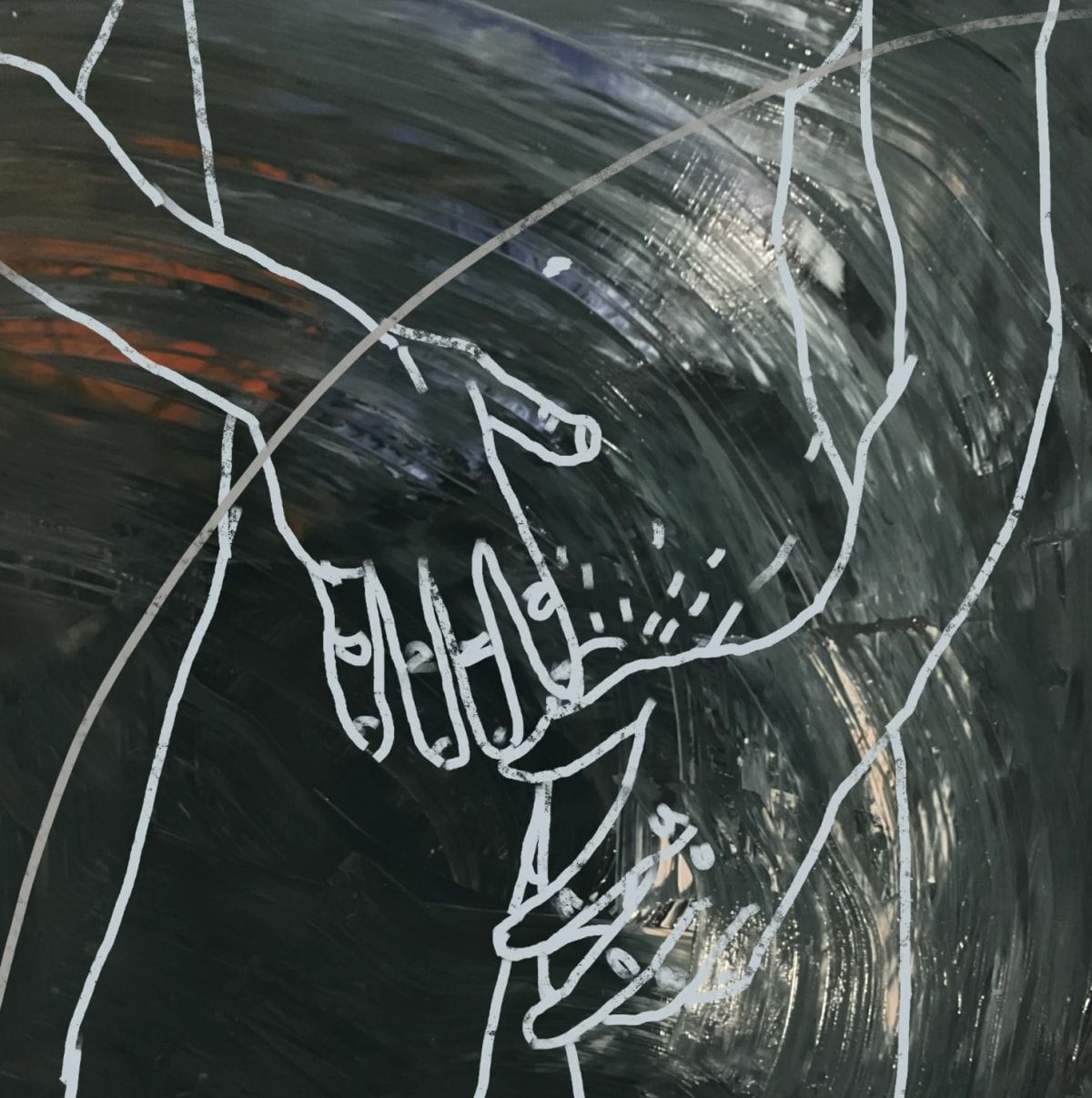
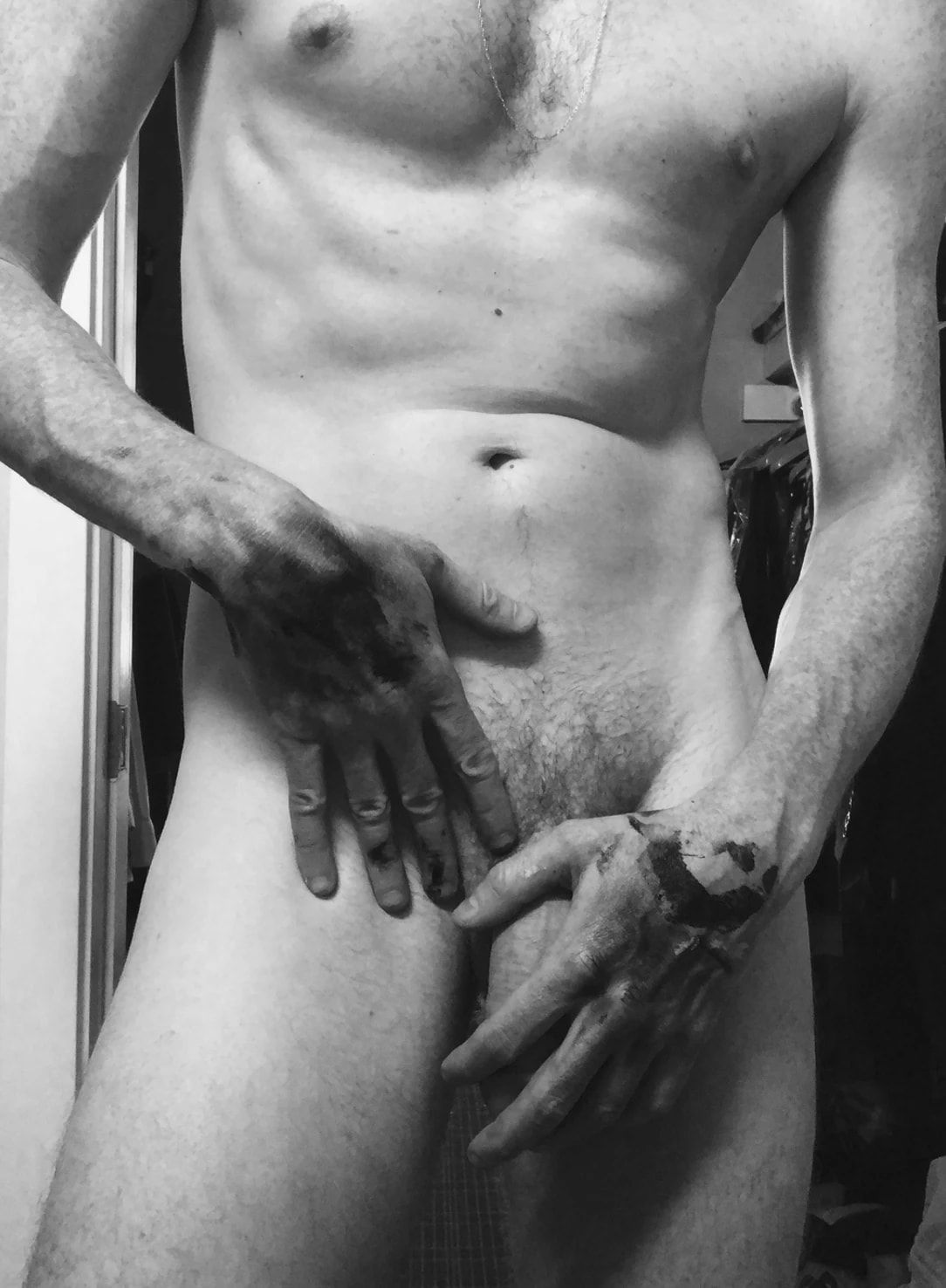
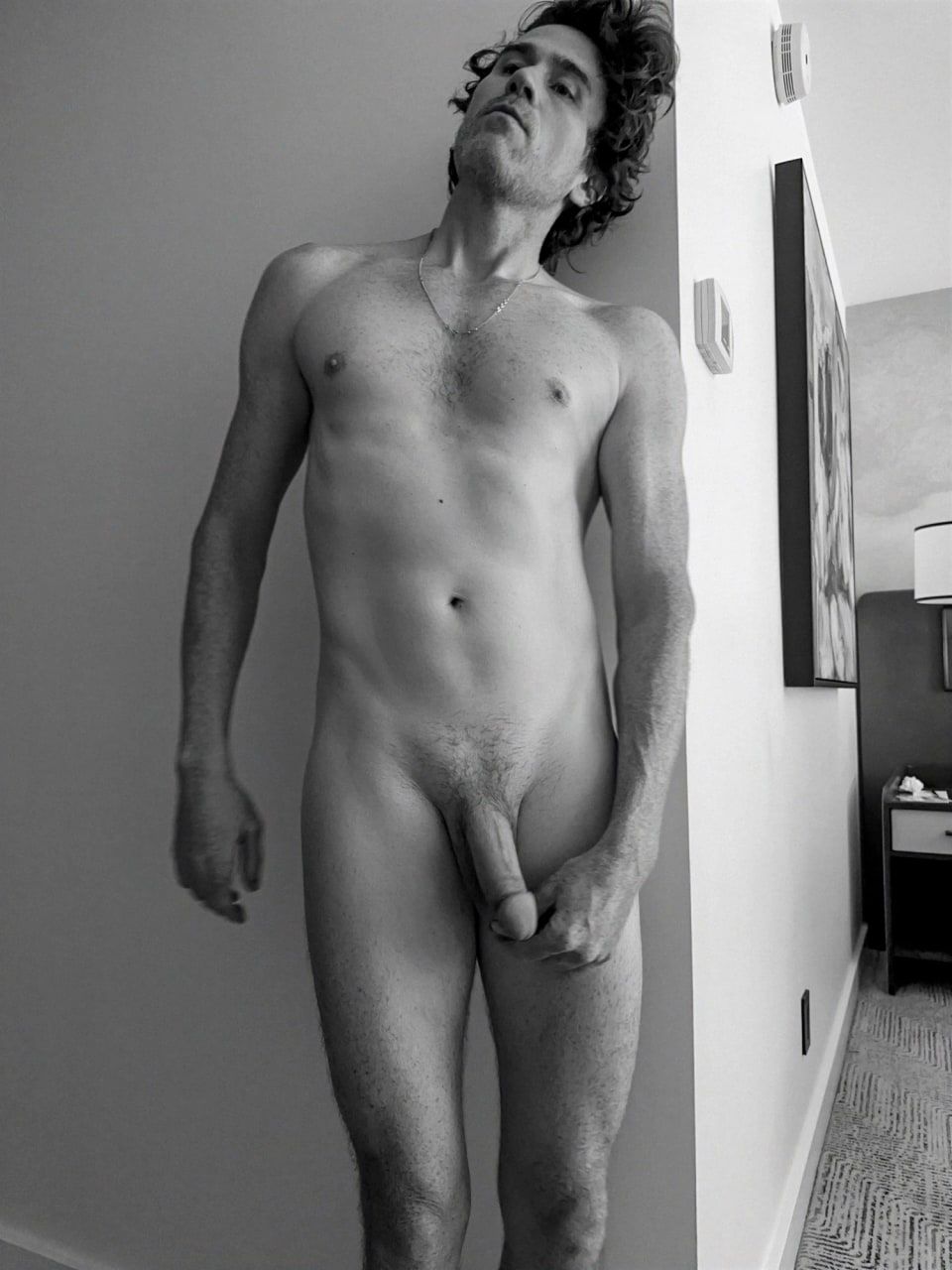
Maybe this will work? Hands will be nice. Another shot from 2019, Seattle.
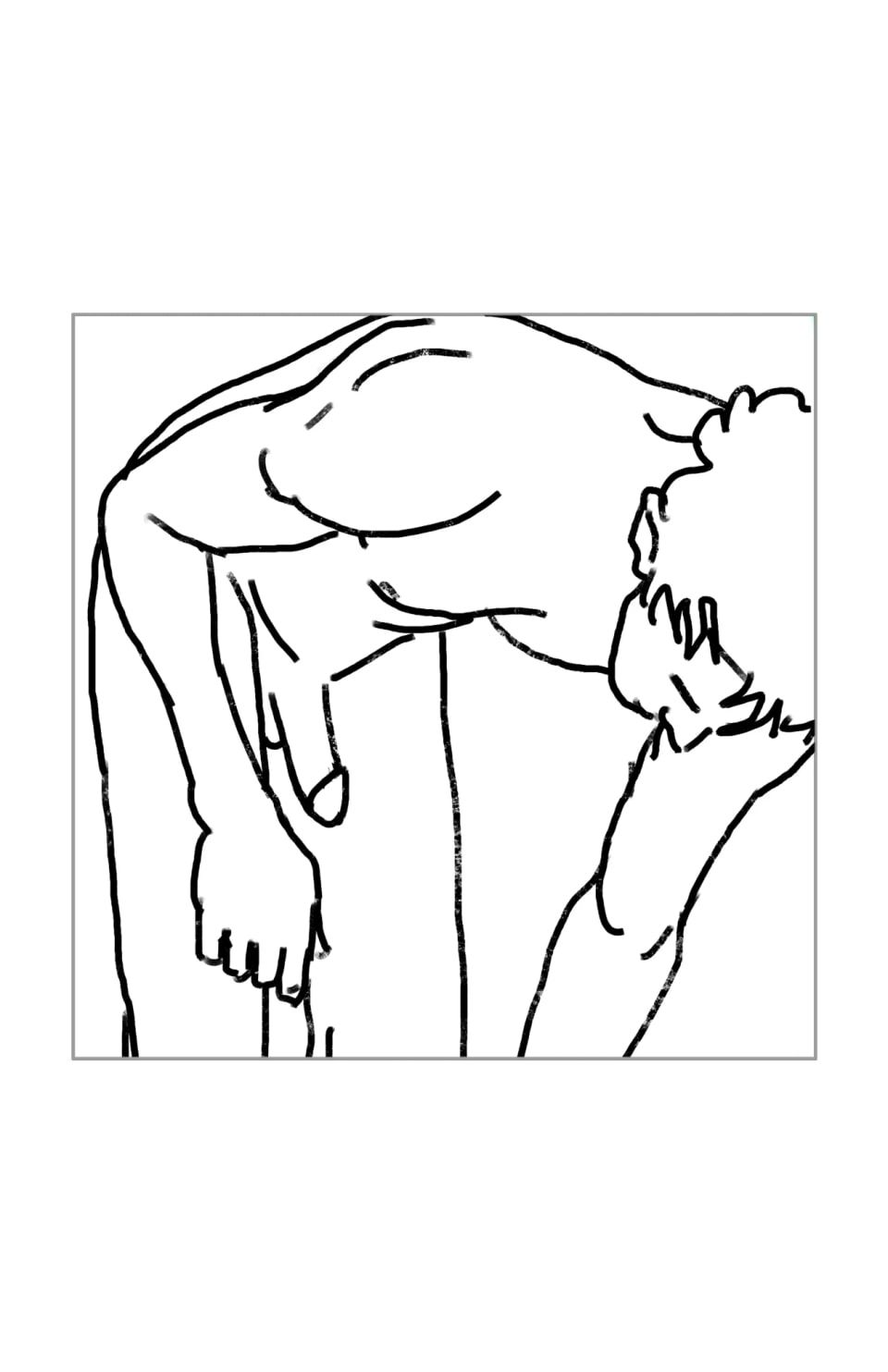
Sketched it over the golden ratio curve. Not really making use of that curve, though…
06 07 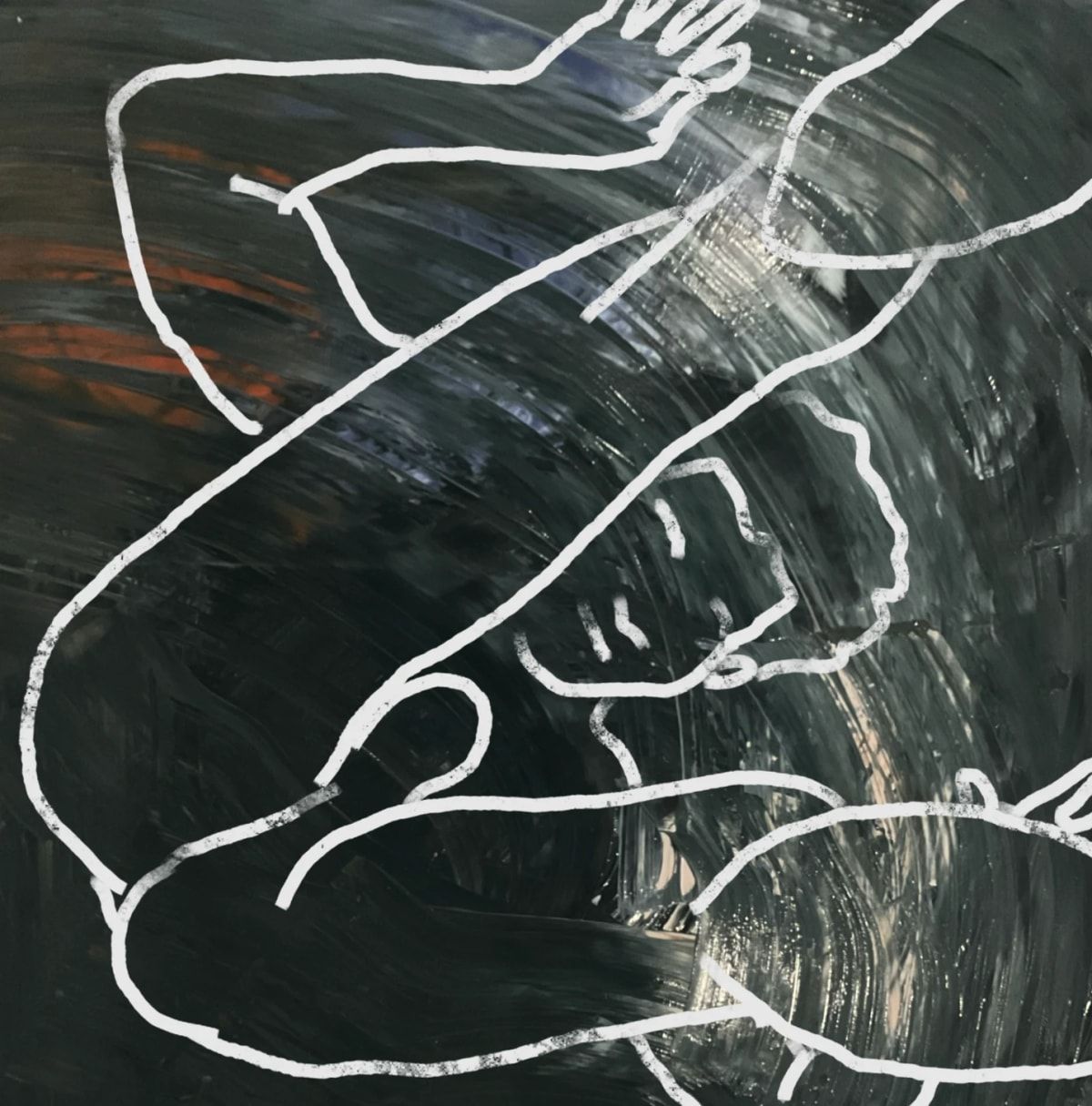
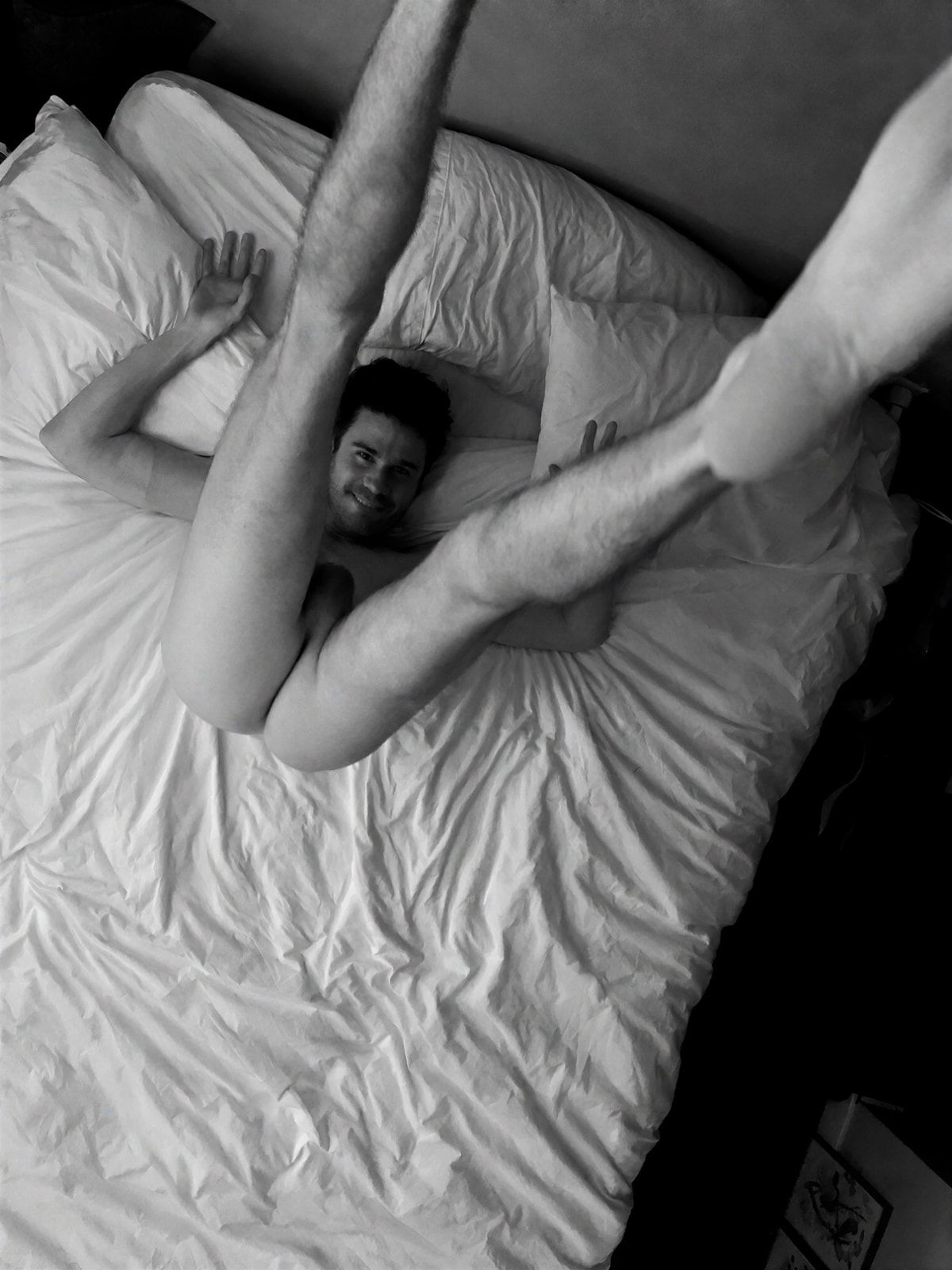
If I rotate this shot a little, I can match that curve with my leg. 2019 in Seattle. The camera was resting on the edge of the ceiling fan blade.
Better. But what is happening here? And what’s up with that wave in the background?
08 09 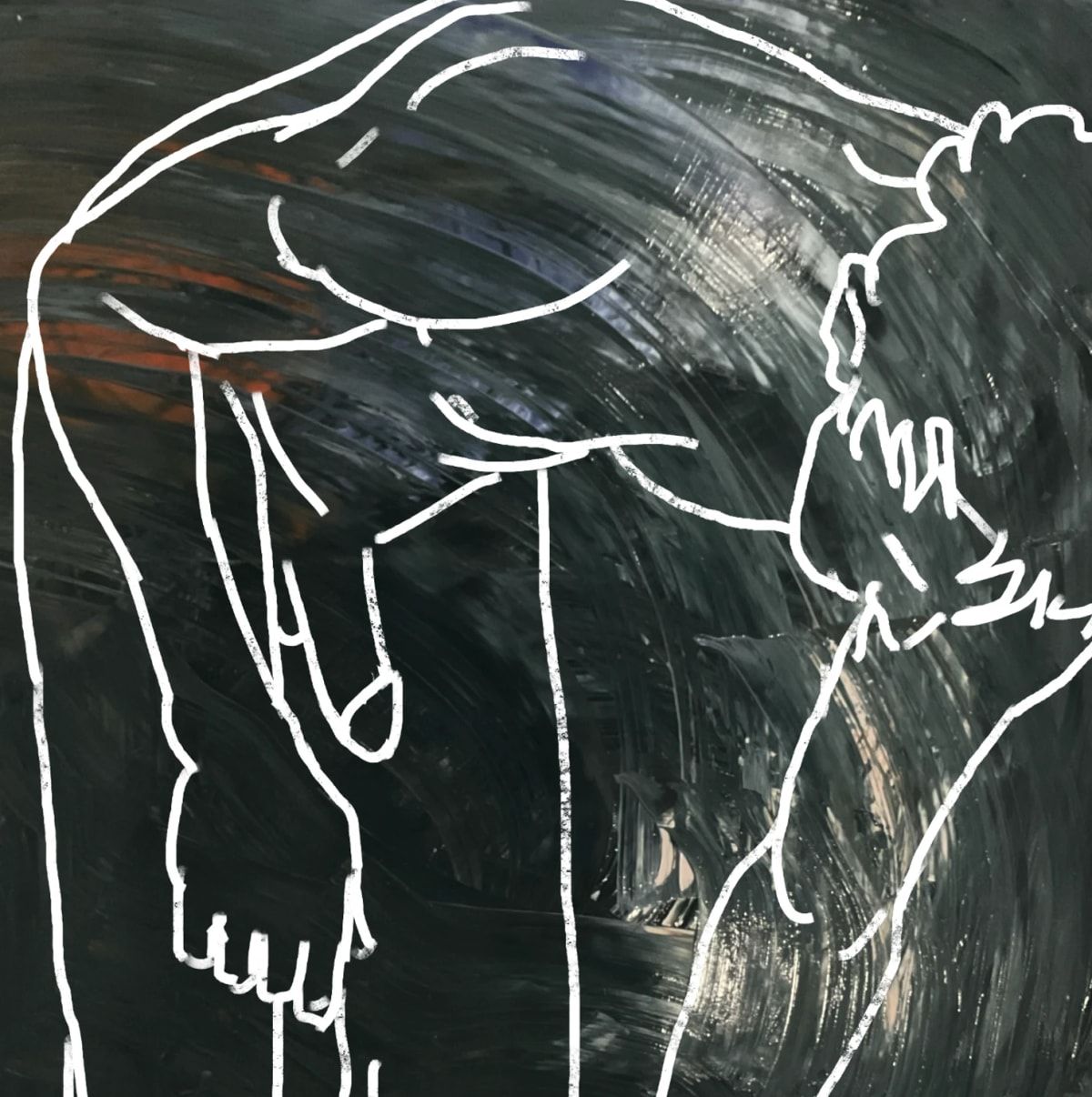
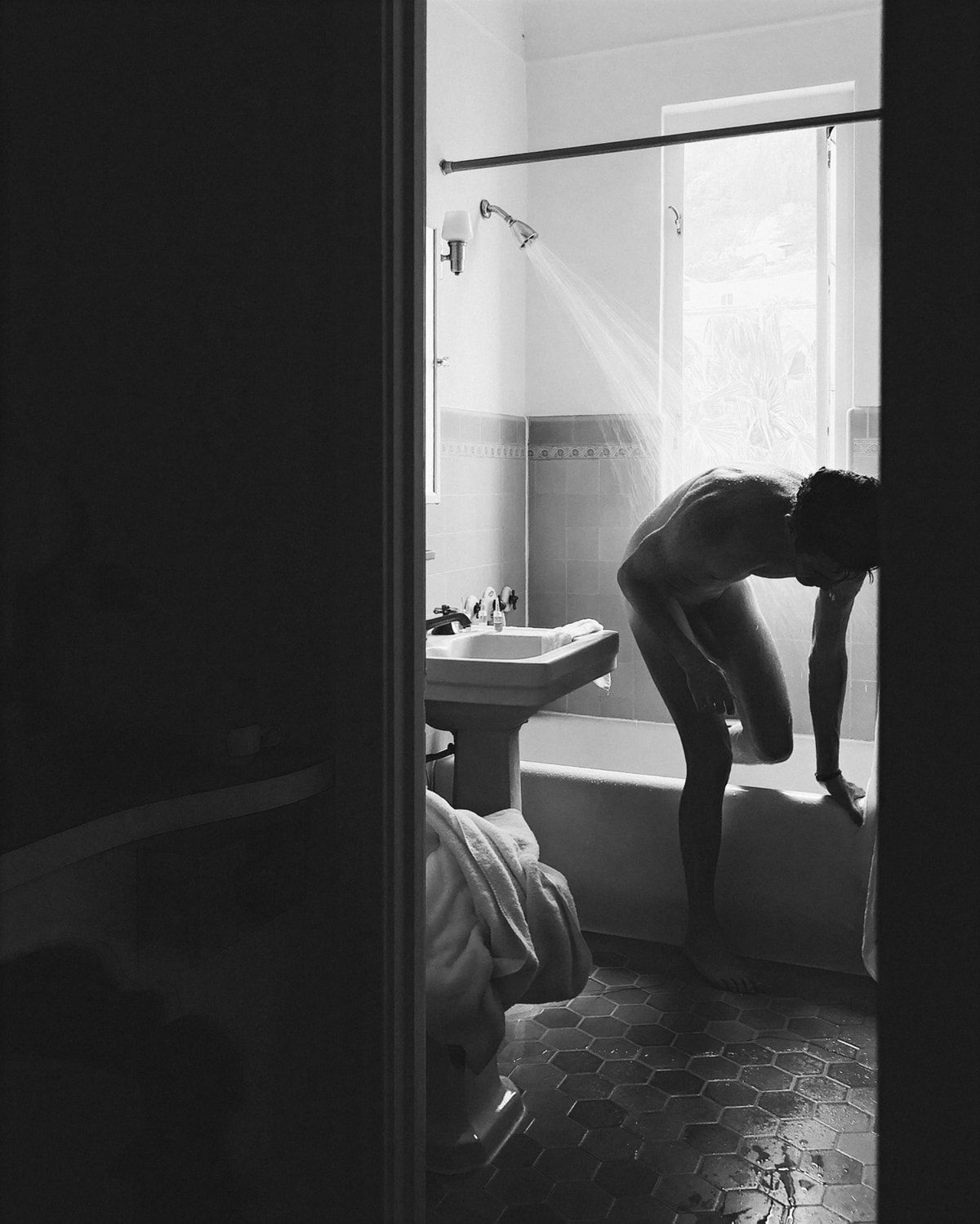
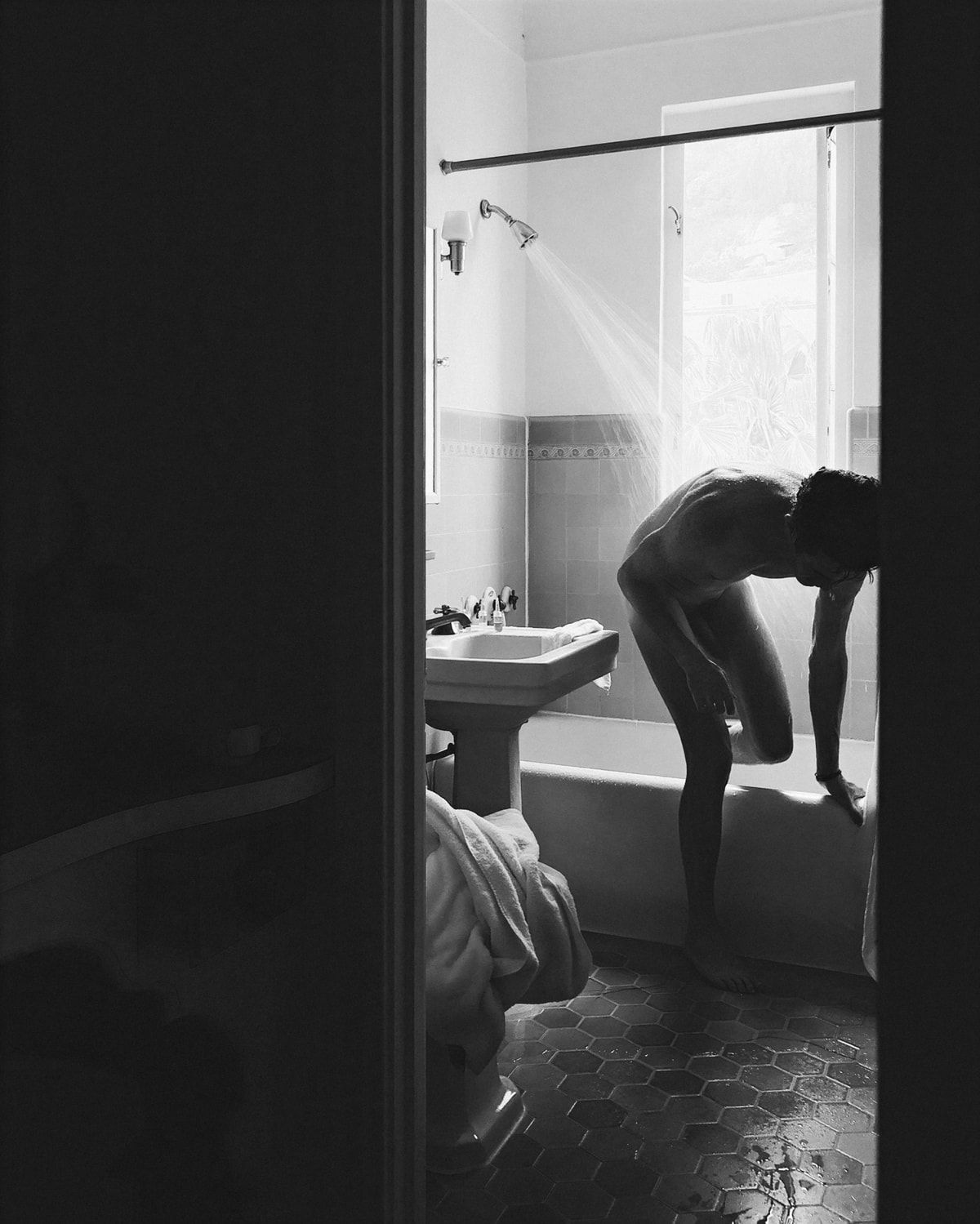
I found a shot of me in the shower. Maybe that plays with the paint? This shot was taken in Los Angeles, 2019.
The curve of my back and arm kind of matches that golden ratio curve. And the wave is curling over my body.
10 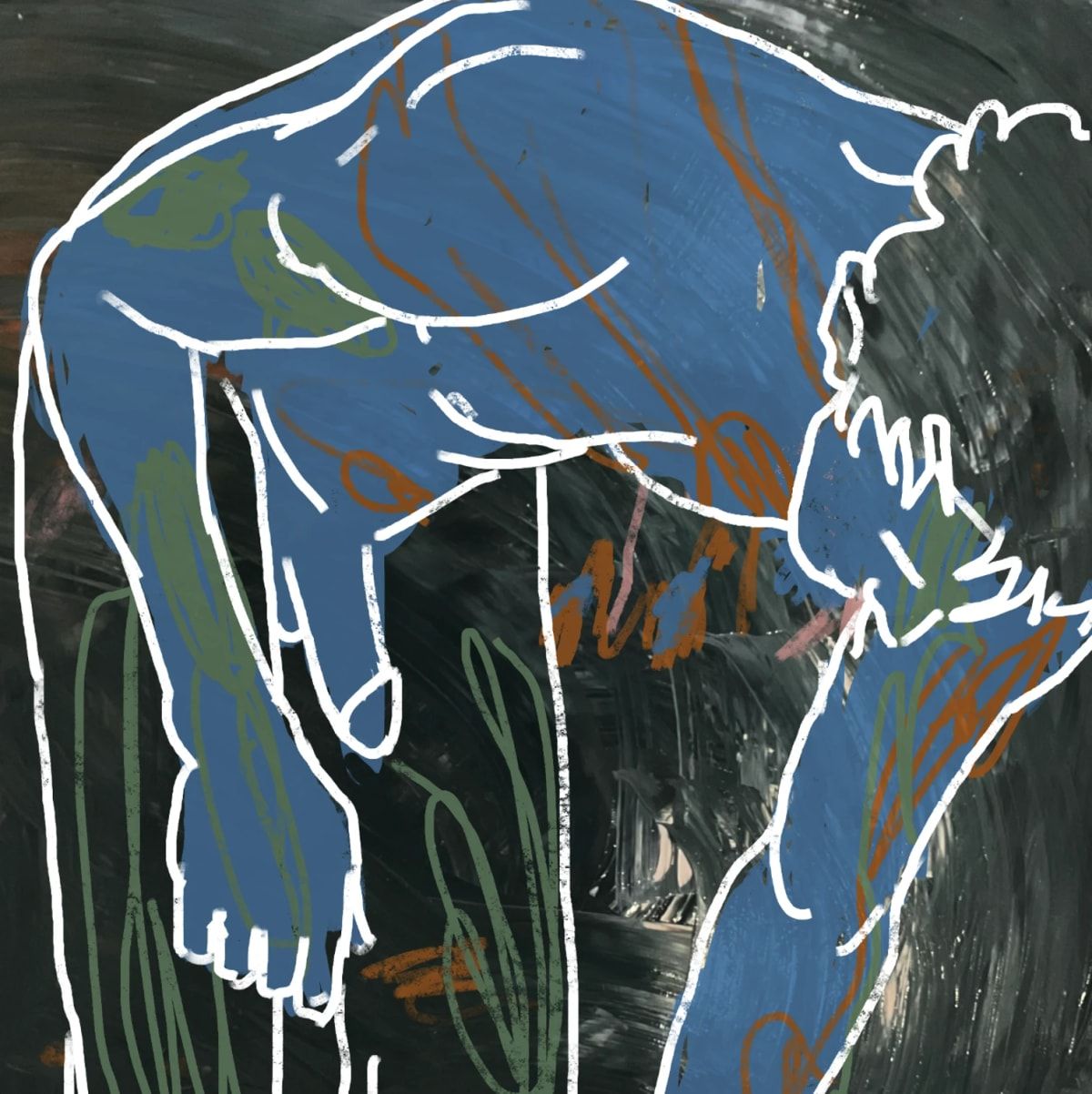
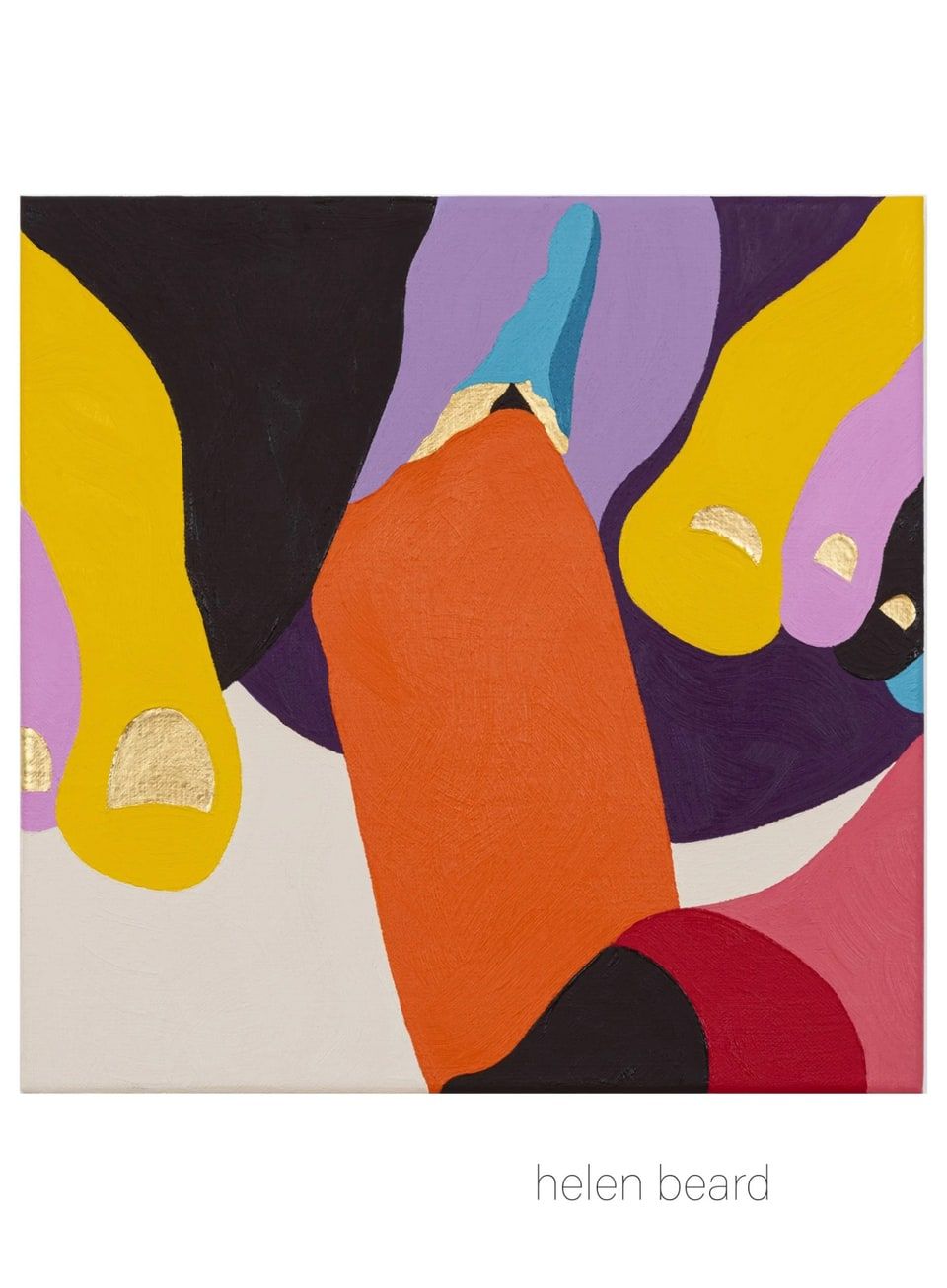
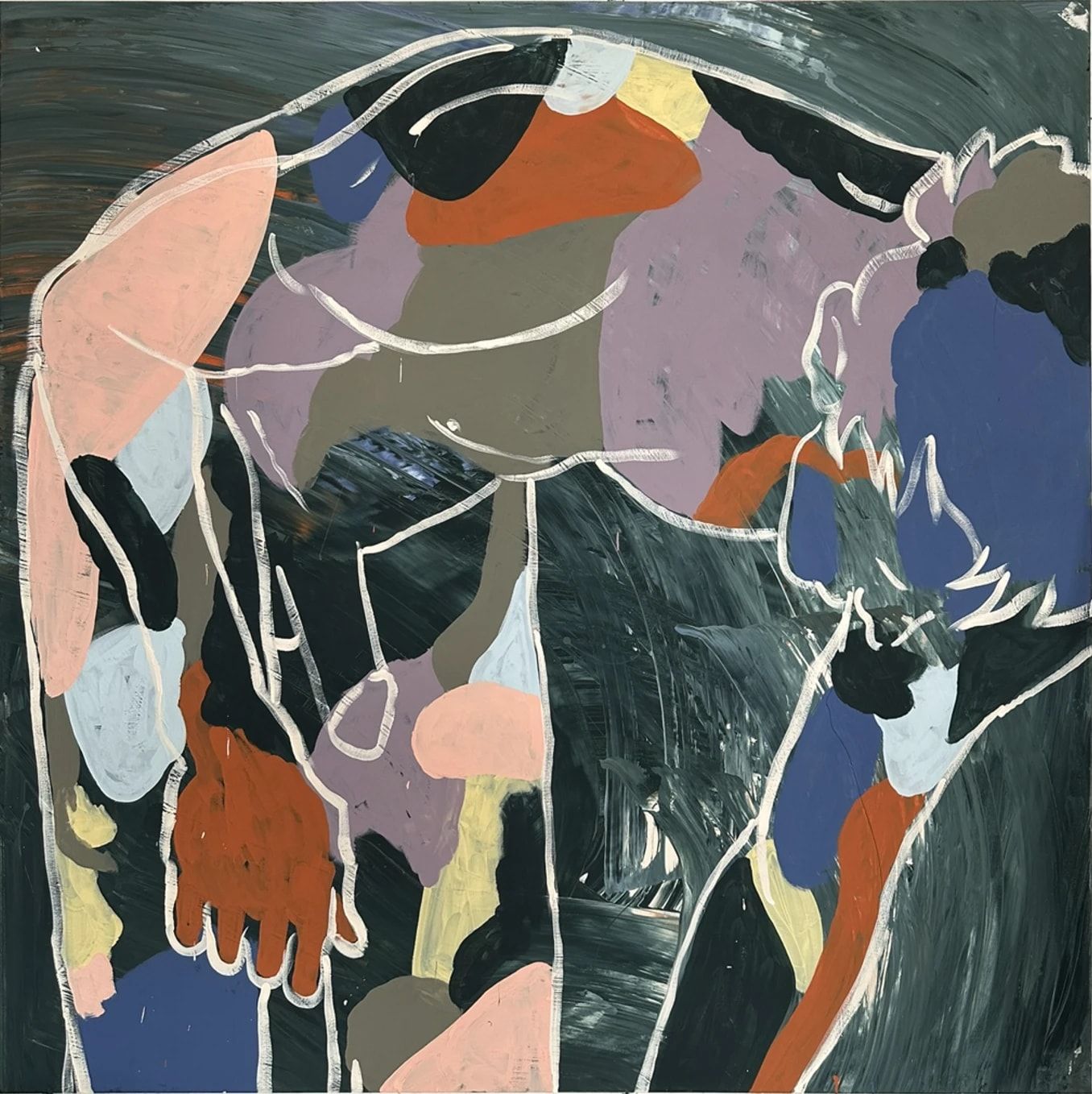
Sketched some colors with the iPad. Not sure how this fits with the other paintings?
Final iPad sketch. I then wrote out the recipe for painting it.
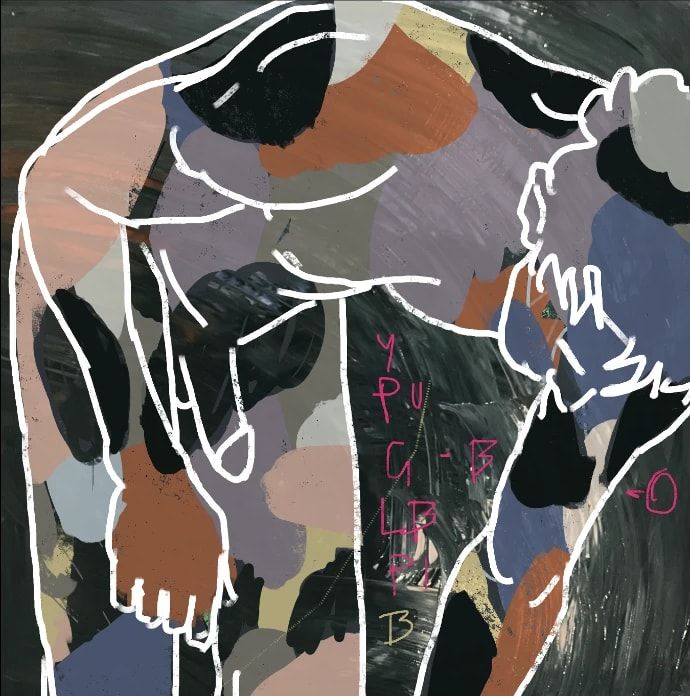
Start with yellow and work down. When you hit green, go right; after orange, return to the original list.
Y — Honeybee CSP-950PU — Antique Pewter 1560G — Regent Green 2136-20LB — Polar Sky 1674O — Topaz 070P — Hazy Lilac 2116-40B — Blue Nova 825